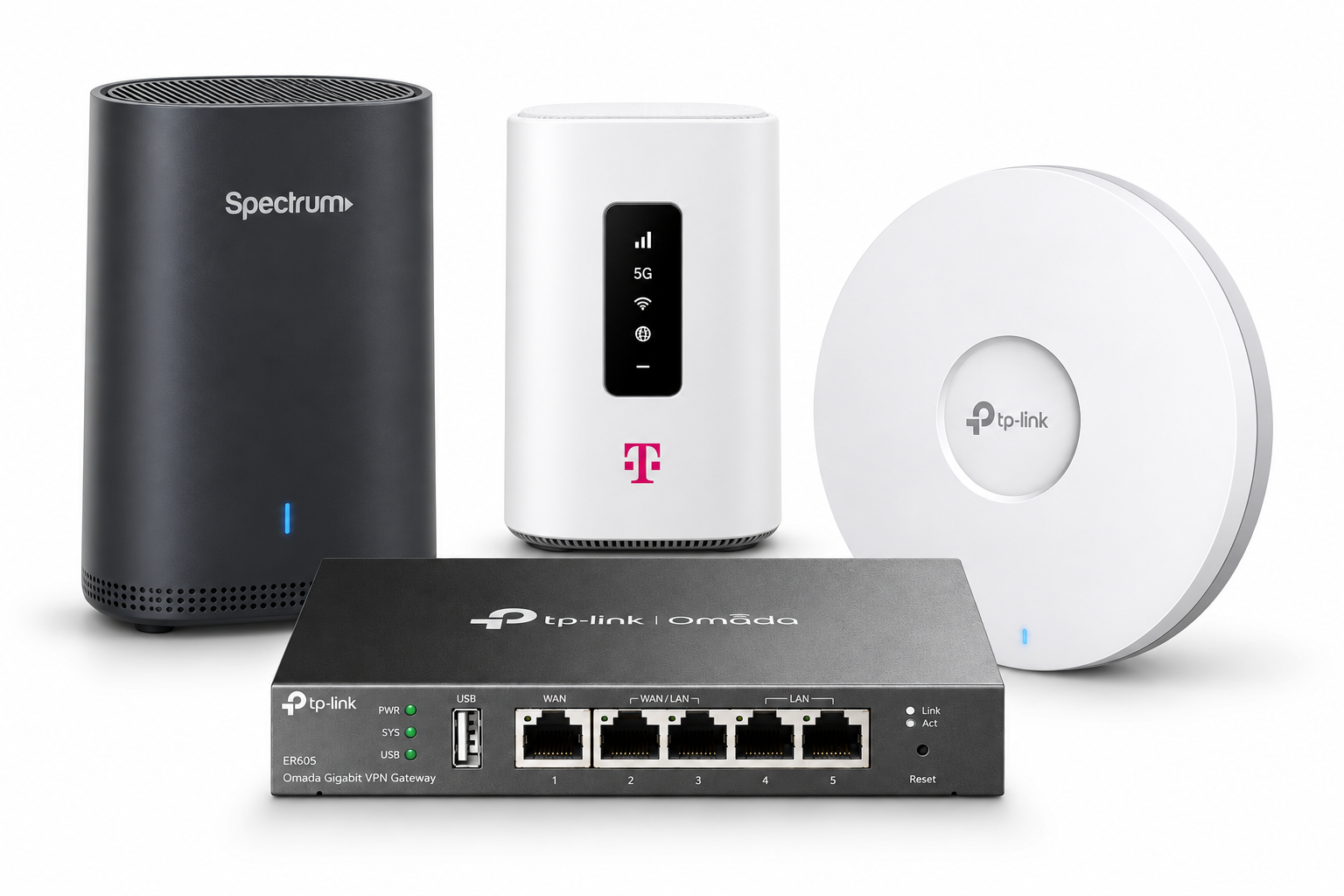
BUSINESS INTERNET
The connection into your business.
Discuss service options available at your address, your current provider, and the demands of your team. We help coordinate the connection with the equipment inside your space.
Business internet, Wi-Fi, cabling, and network equipment planned around your space. Get your team, payment systems, and everyday devices working together—with local help when you need it.
Business connections. Organized networks. Local support.



A busy checkout, a video call, a camera feed, and guest Wi-Fi all put different demands on a connection. Let’s look at your layout and daily needs before recommending a setup.
Discuss service options available at your address, your current provider, and the demands of your team. We help coordinate the connection with the equipment inside your space.
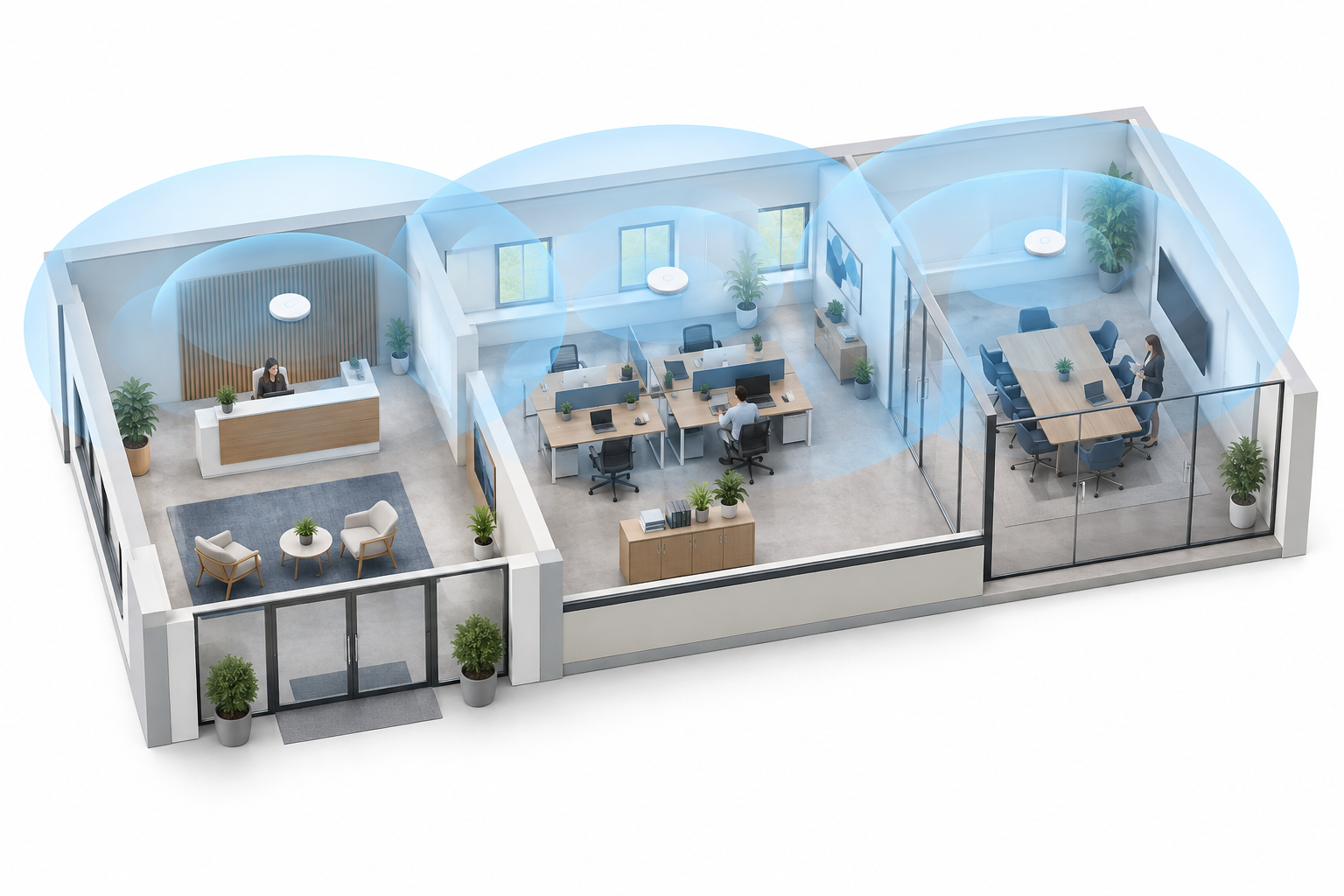
Plan access point placement around the counter, office, seating areas, and stockroom. Discuss staff and guest access, busy periods, and spots where connections drop.
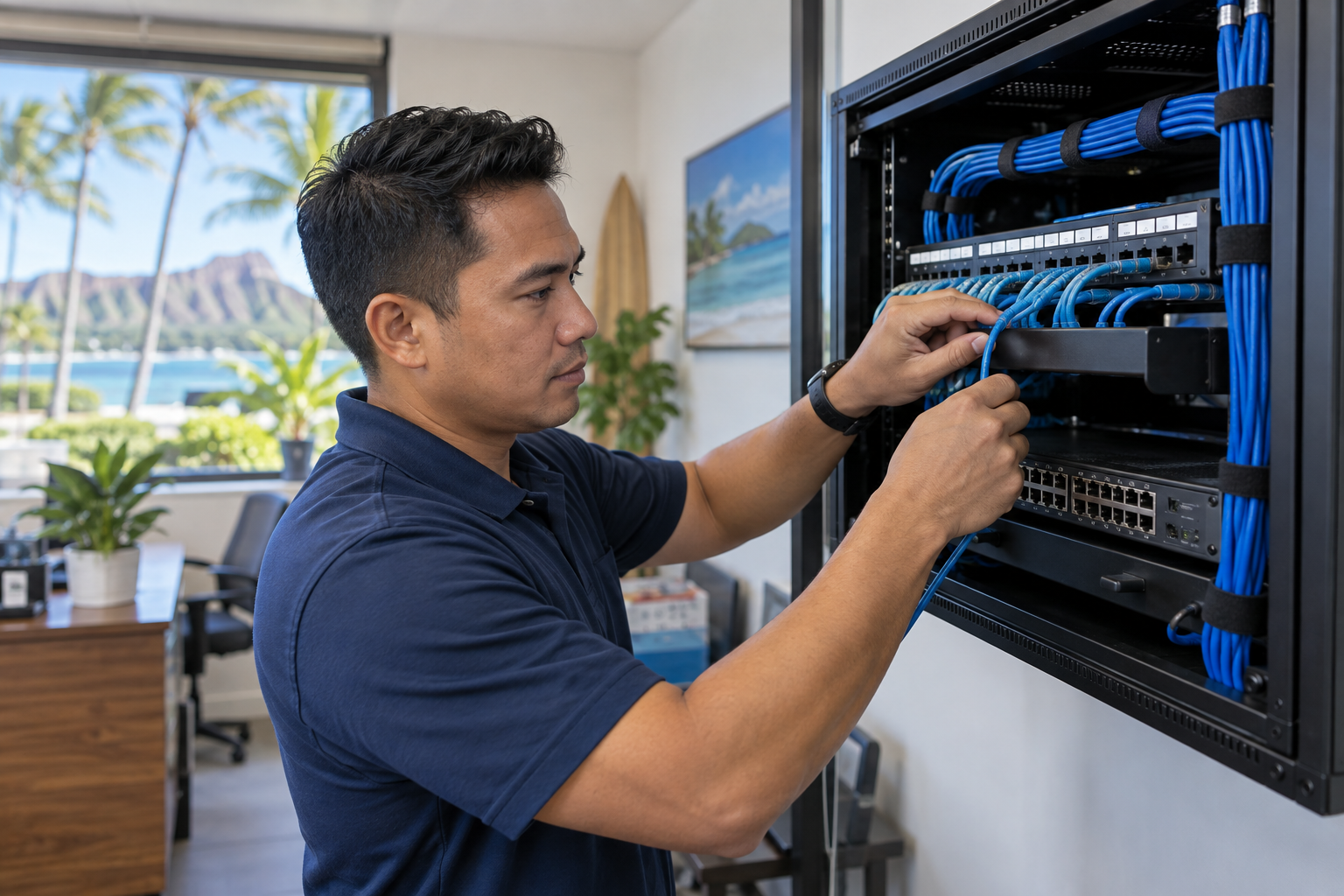
Connect fixed equipment with planned cable runs, wall jacks, and switch ports. Account for your POS, printers, cameras, workstations, and the next device you add.
Photos show example equipment and illustrative installation scenes. Provider availability and equipment recommendations depend on your location and project.
Opening a location or working around years of added equipment? We’ll review where connections are needed and how to bring them together in a practical, serviceable setup.
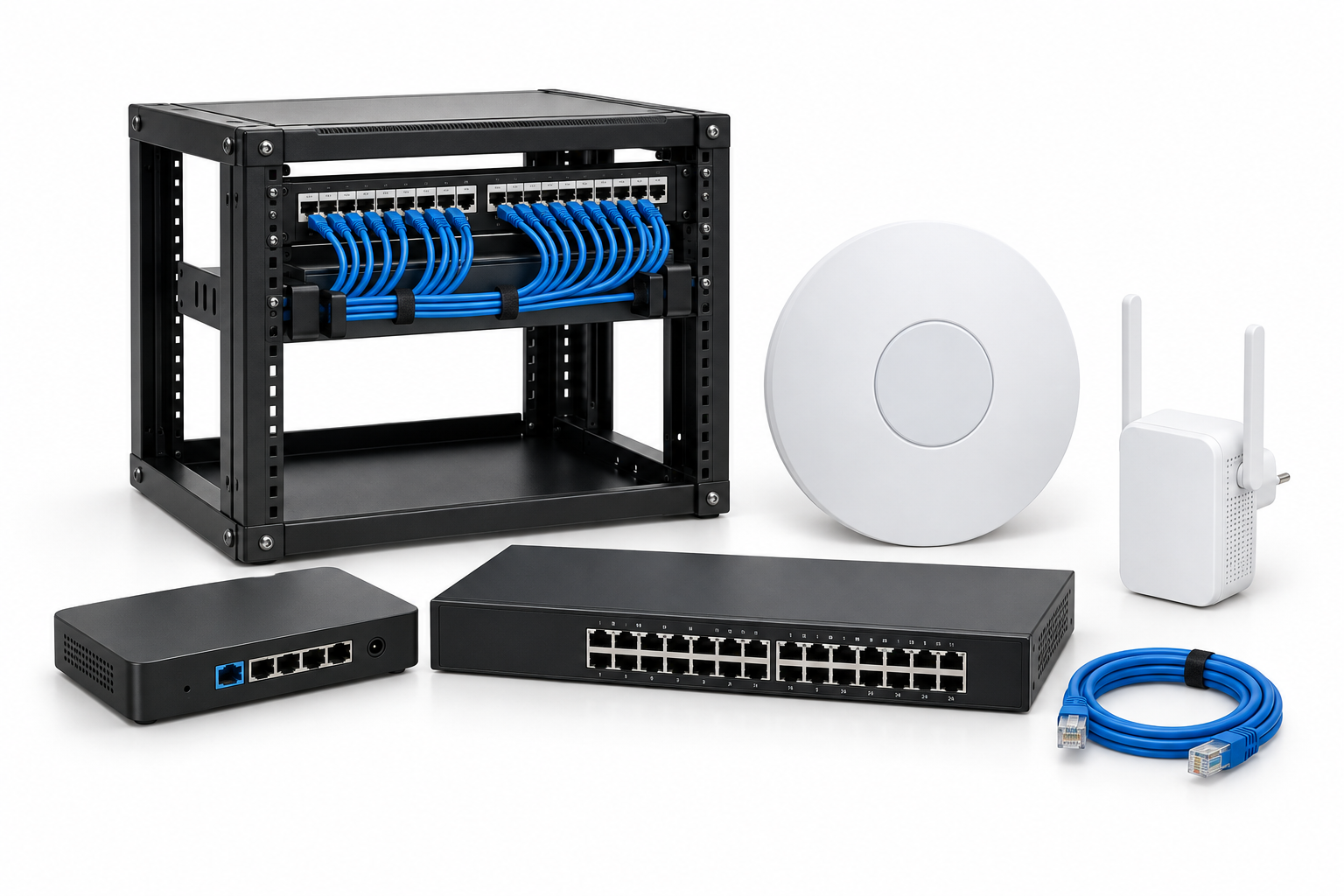
Routers, switches, and access points have different roles. We help plan a setup around your connected devices, coverage needs, and room to grow.
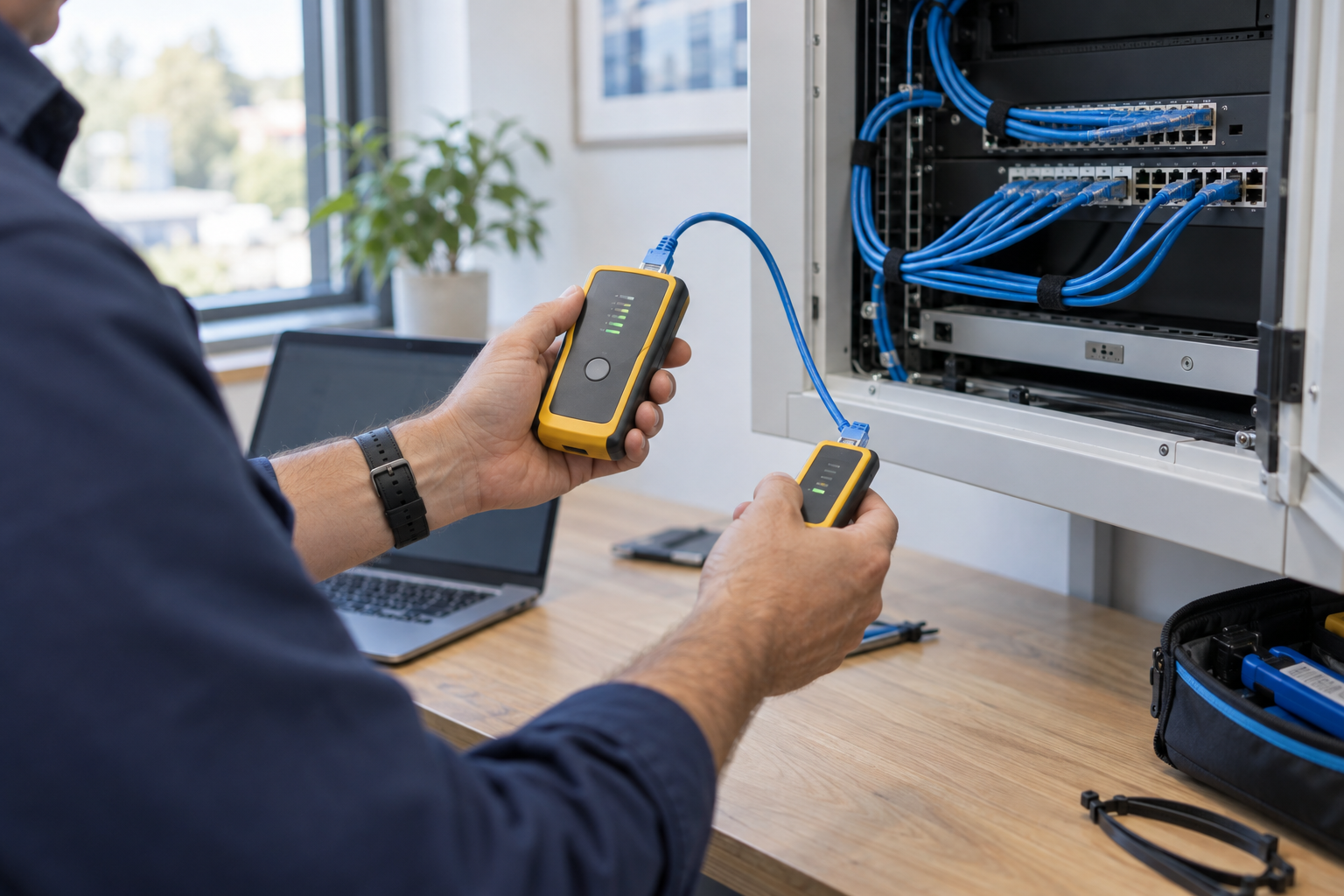
Tell us what is happening, where it happens, and which devices are affected. We’ll help work through the connection, cabling, and equipment to identify the next step.
Bring your floor plan, current equipment details, and the problems you want to solve. We’ll help put the next steps in order.
Start a Network Conversation →Review the layout, internet service, device count, and areas where coverage matters.
Discuss equipment, cable routes, access requirements, and the proposed scope.
Coordinate setup, check the agreed connections, and explain how to get help after installation.
Practical answers from a local team.
We can discuss your existing service and how it connects to your business equipment. Let us know your provider, current equipment, and what you want to improve.
Not necessarily. We’ll review the models, condition, compatibility, and requirements before recommending what to keep or change.
We can discuss a separate guest network using compatible equipment, along with access settings appropriate for your business.
Yes. Include your POS, cameras, printers, and other business devices in the planning conversation so the network can be considered as a whole.
Your address, a floor plan if available, internet provider details, equipment models, approximate device count, and a description of any connection problems. We’ll discuss whether a site visit is needed.
From the incoming internet service to the devices your team uses every day, start with a plan that fits your space.