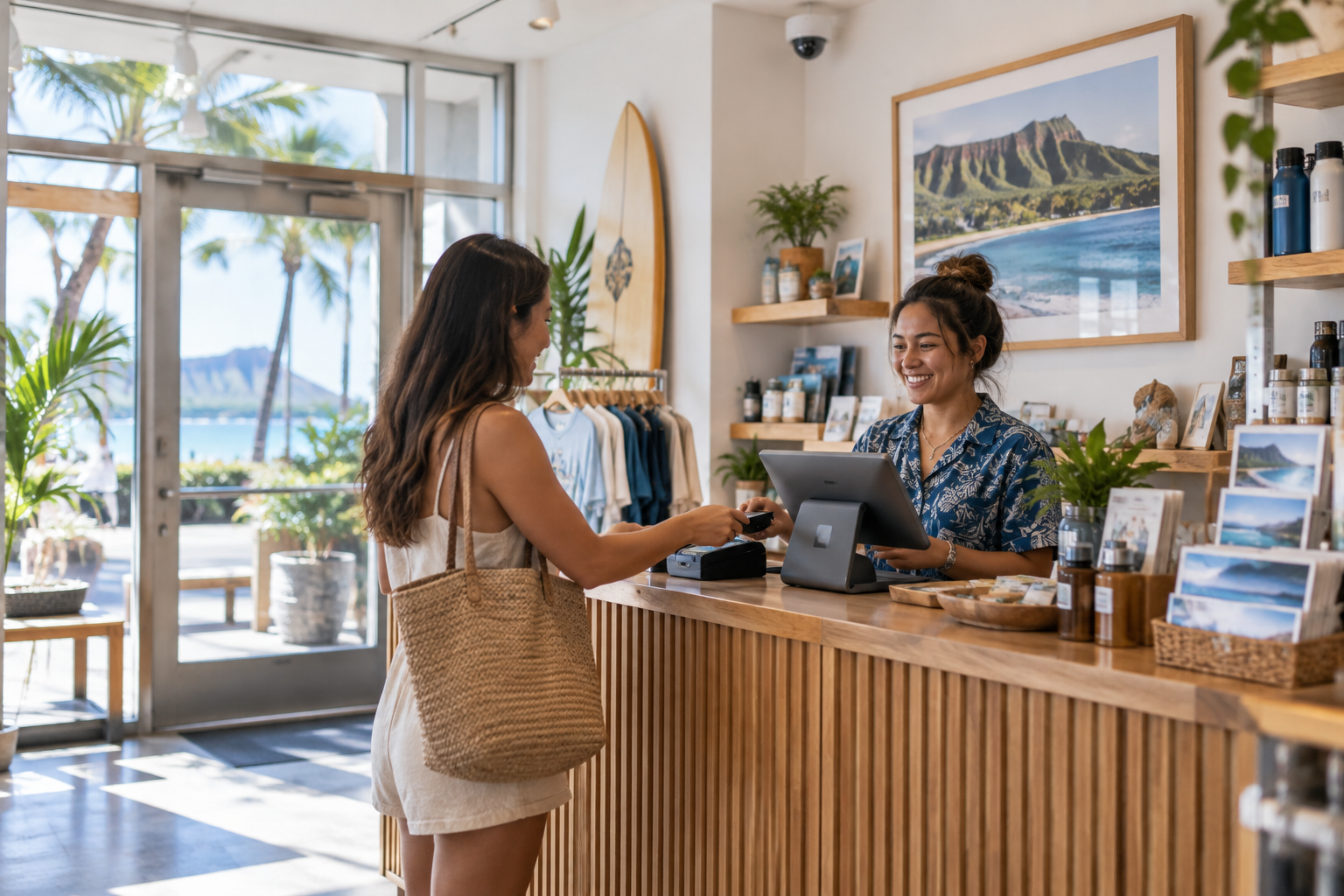
01
Entrances & checkout
Discuss views of entry points and transaction areas, with camera angles chosen for the activity you need to review.
Commercial camera systems, remote viewing, installation, and upgrades—with a local Hawaii team to help you use them.
Camera planning · Installation · Local troubleshooting

Tell us what you need to see. We’ll help work through camera locations, lighting, recording, and access before choosing equipment.
Discuss views of entry points and transaction areas, with camera angles chosen for the activity you need to review.
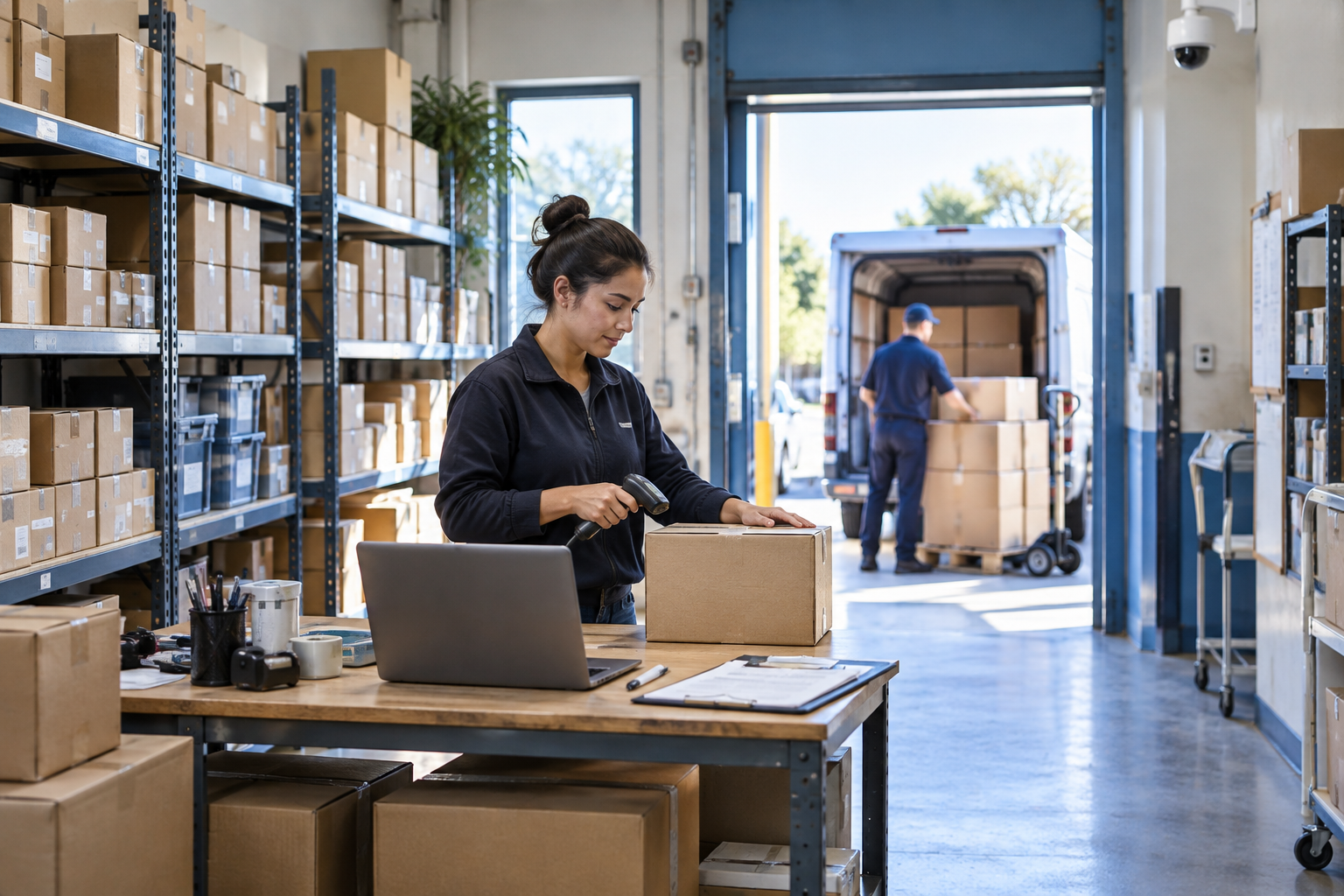
Plan coverage around merchandise, receiving areas, and staff access points without treating every corner the same.
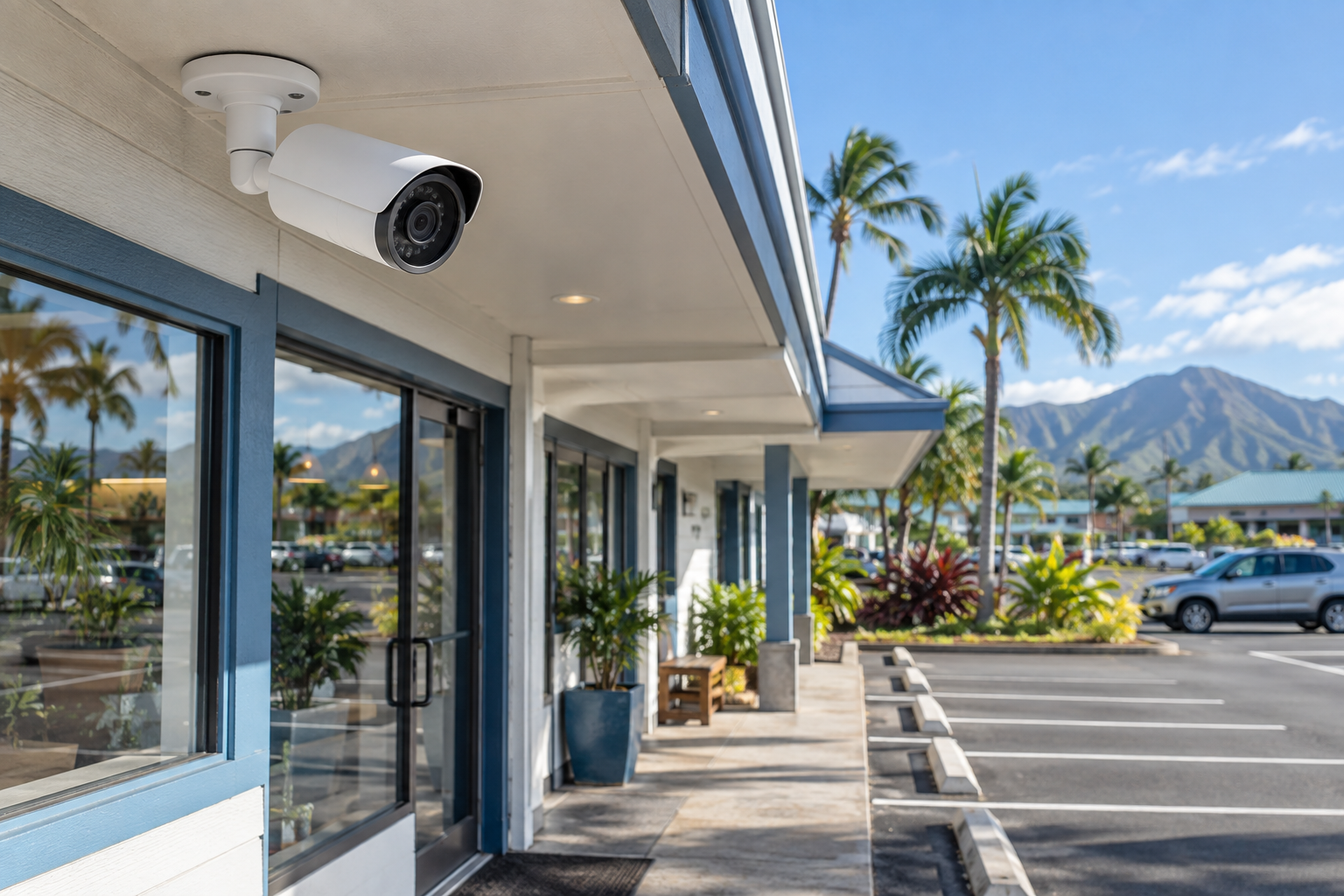
Review lighting, exposure to weather, mounting locations, and the distance between the camera and the area of interest.
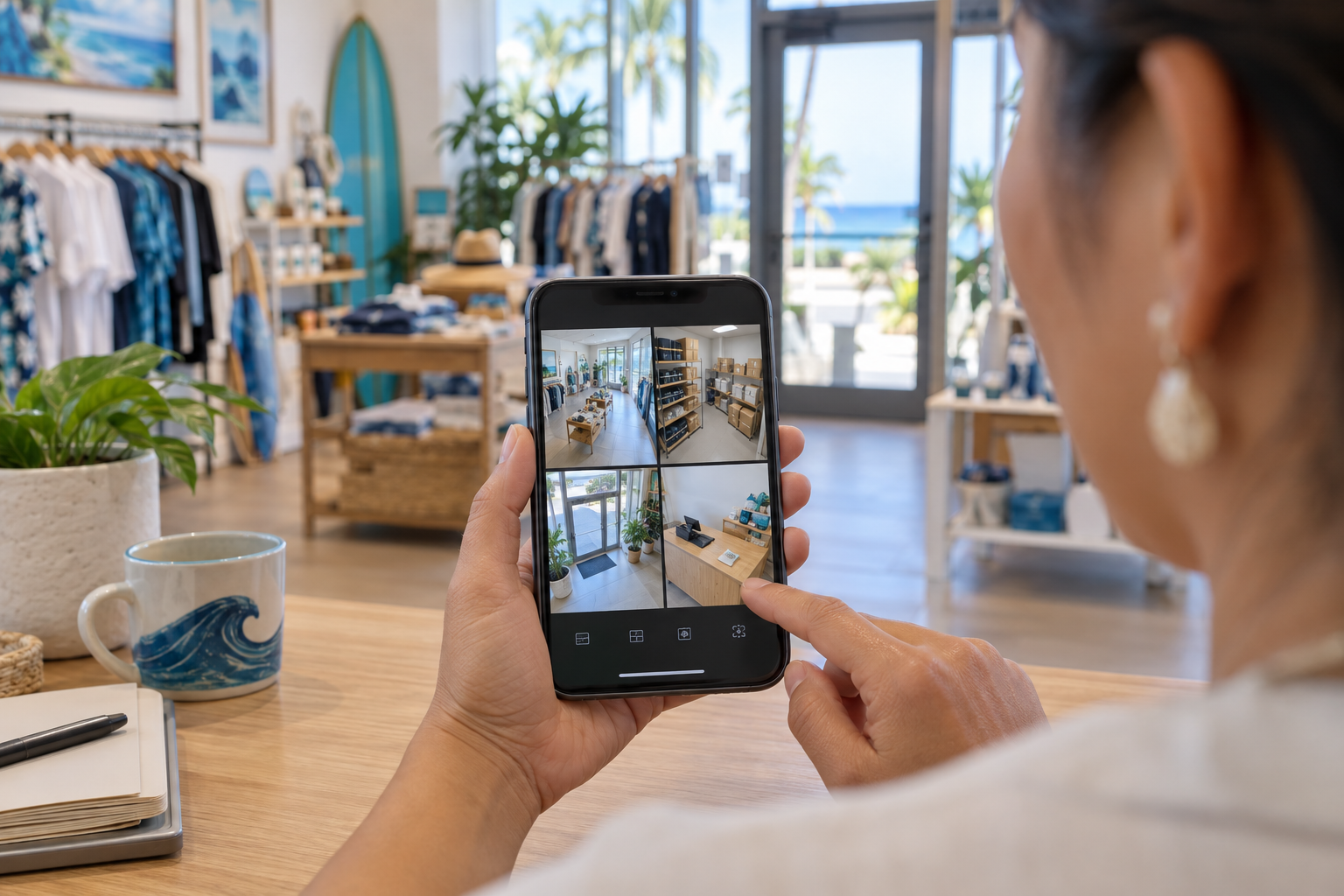
A useful camera system should make it straightforward to view your premises and find the footage you need. We’ll discuss remote access, recorder capacity, and how your team will use the system.
Remote access requires compatible equipment and a working connection. Recording duration depends on storage and settings.
Discuss My Camera Setup →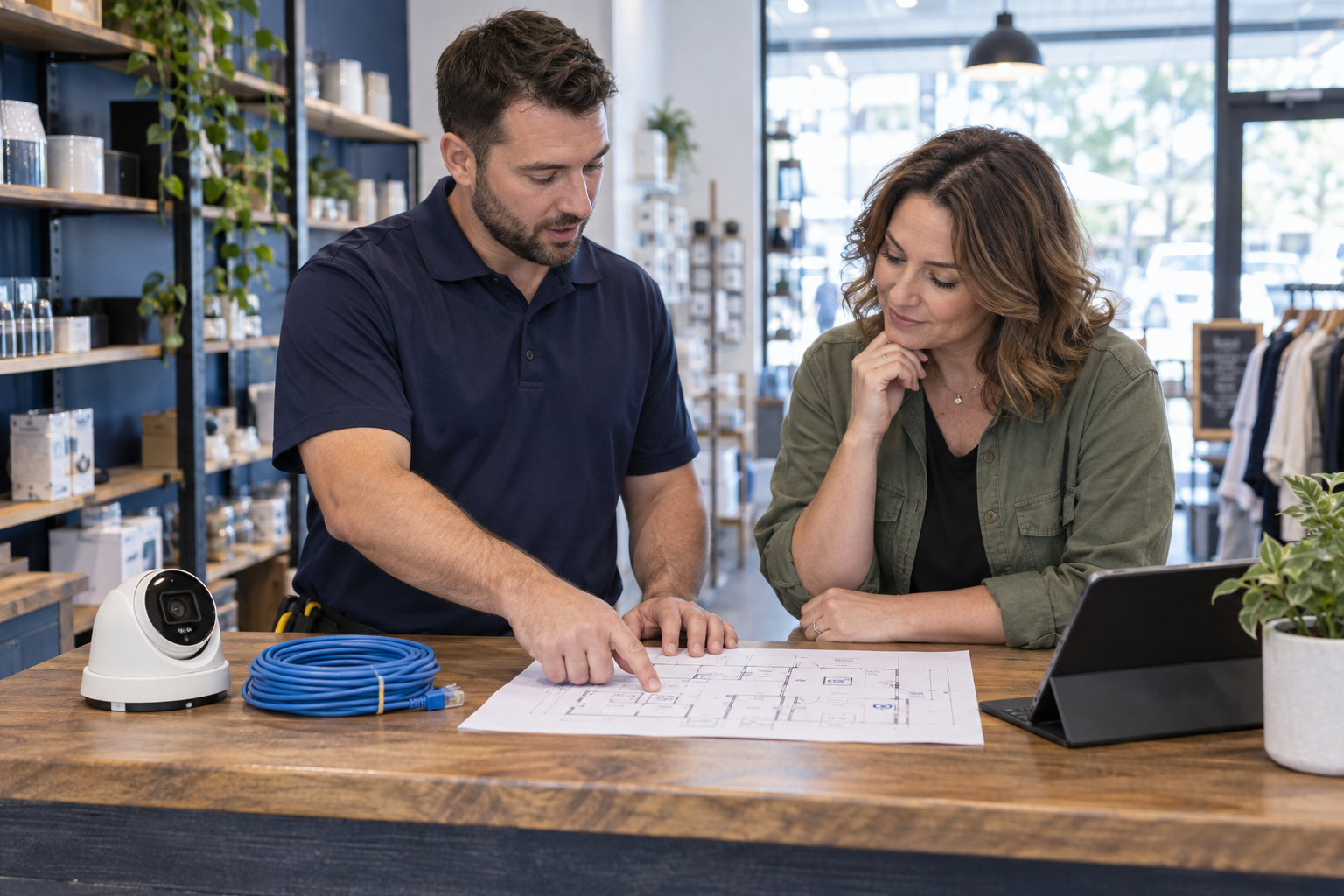
Review camera placement, cable routes, power, and the network connection needed for your proposed system.
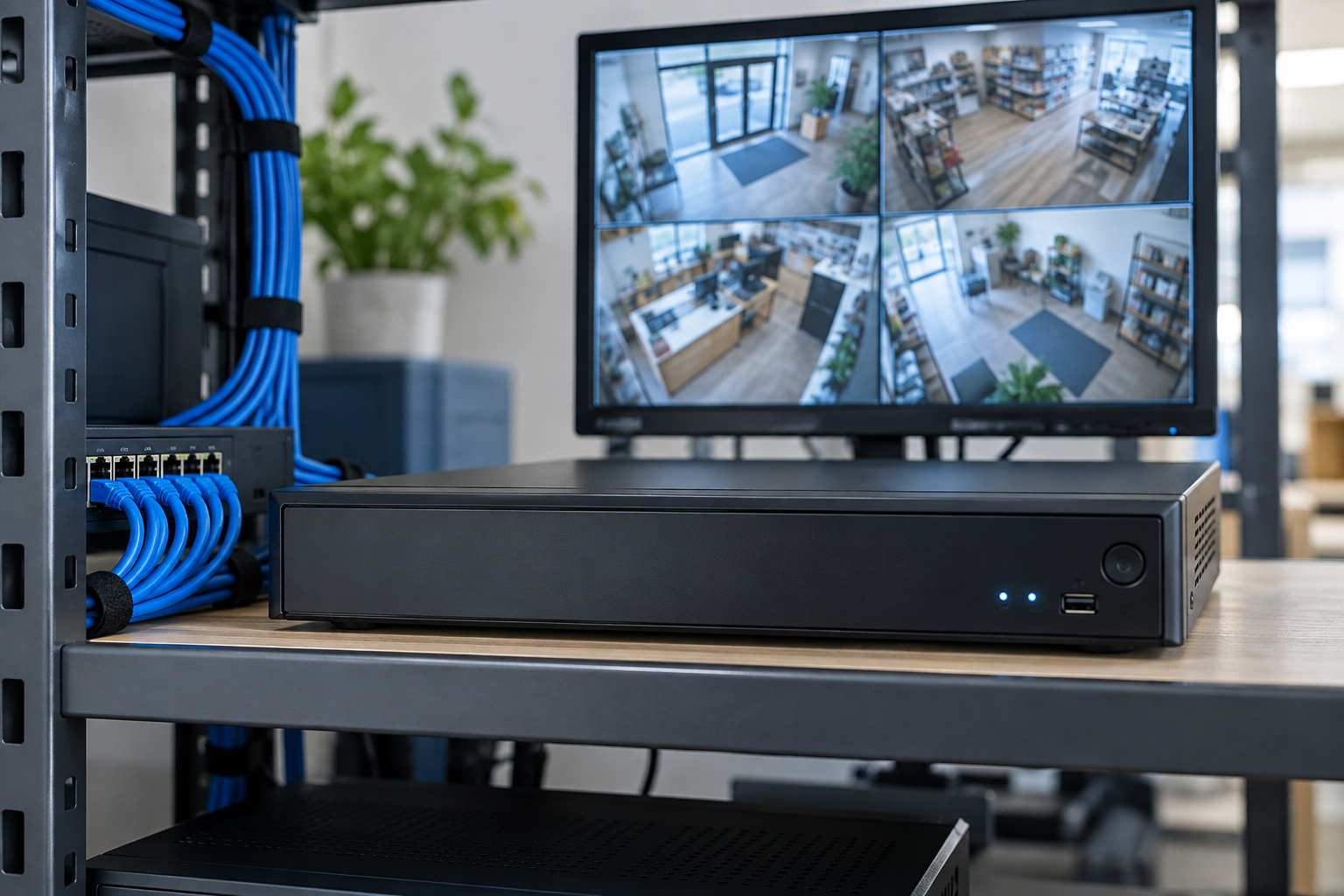
Choose a recording approach around how many cameras you need and how far back you want to review footage.
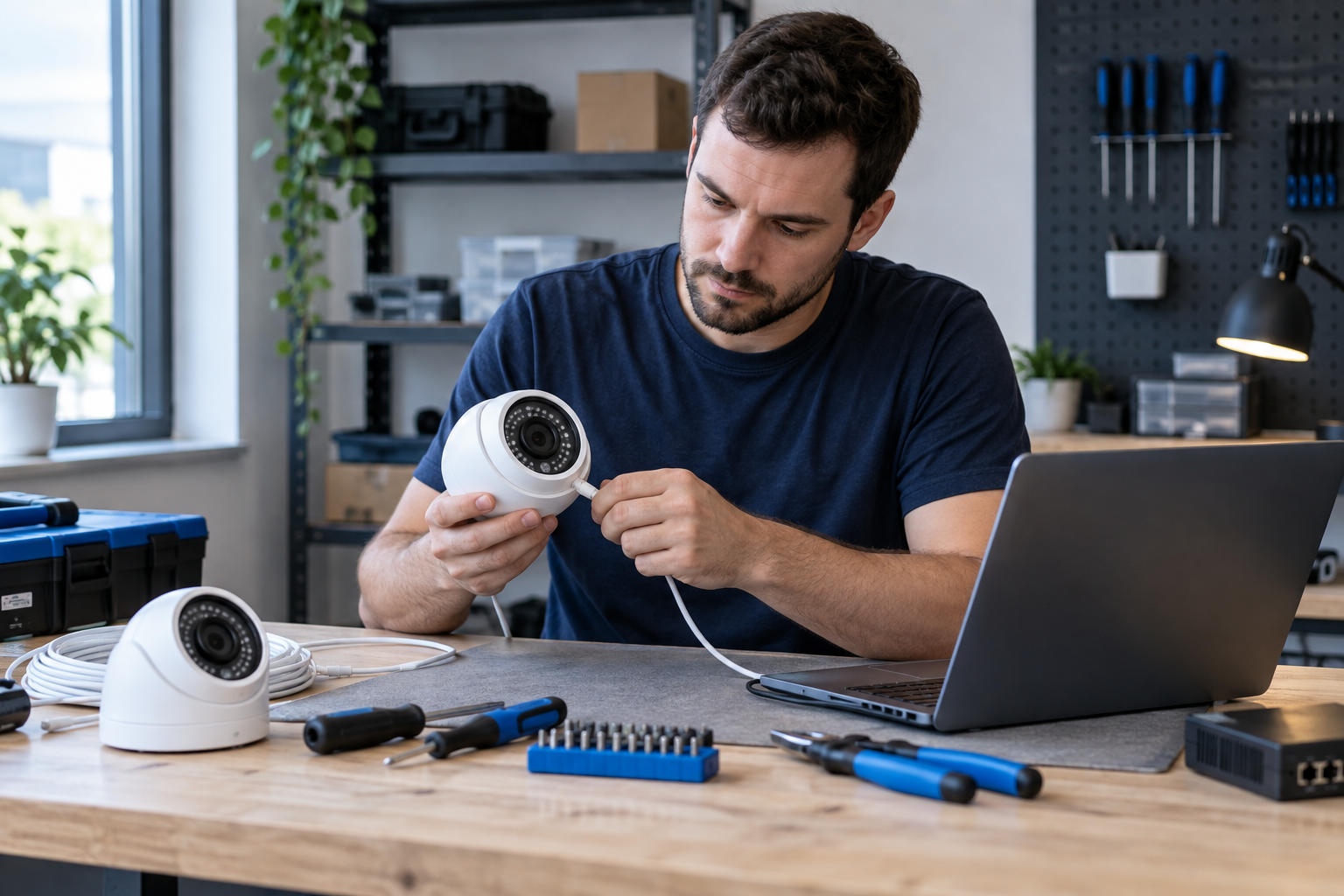
Share the model of your existing recorder and cameras. We’ll check what may be reusable and what needs attention.
You need to know how to use your system after it is fitted. L2 helps with setup questions, viewing access, and troubleshooting as your needs change.
Talk to L2: (808) 955-2001 →Describe the property and the areas you need to see, including any current blind spots.
Discuss equipment, placement, recording needs, and project scope before proceeding.
Go through viewing, playback, and the next steps for getting help.
Talk through the details with our Honolulu team.
Possibly. Compatibility depends on the camera, recorder, wiring, and network. Share the equipment details so we can review them before proposing changes.
That depends on your layout, viewing distances, and priorities. A floor plan or photos of the areas you want covered help start the conversation.
No. Remote viewing lets authorized users check camera feeds. This page describes camera systems and local support; it does not offer staffed alarm monitoring or emergency dispatch.
Your property address, the areas you want covered, existing equipment details, and any timing constraints. We’ll discuss whether a site visit is needed.
New location or an older system that needs attention? Start with your priorities.