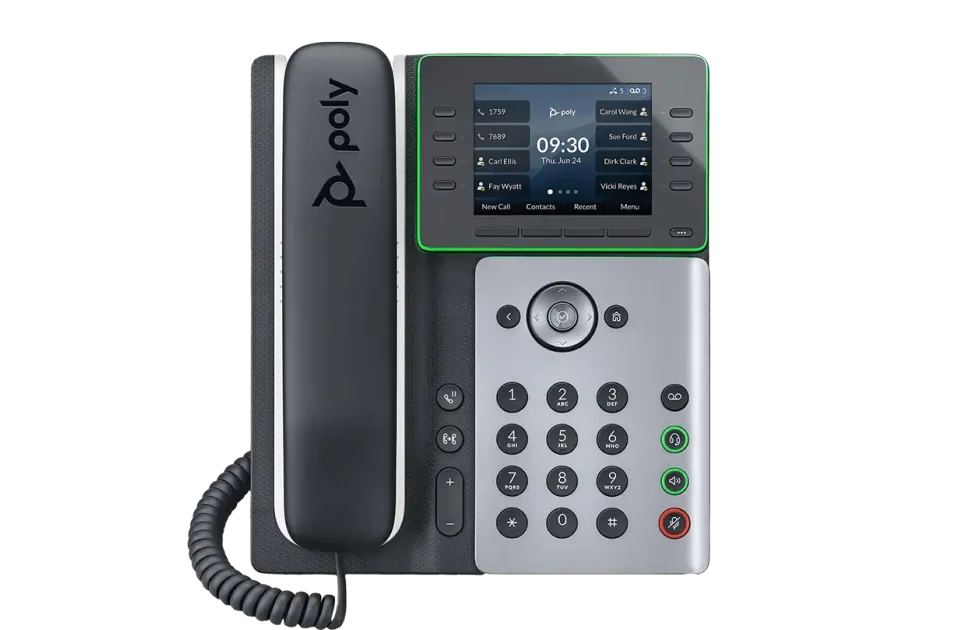
AT THE DESK
Business desk phones
A dedicated handset for reception, shared counters, and office workstations. Review compatible models and the controls your staff use most.
Connect your front desk, office, and mobile team with a business phone system built around how you answer calls. Explore RingCentral with local help from L2.
Business calling, connected teams, and a local conversation.

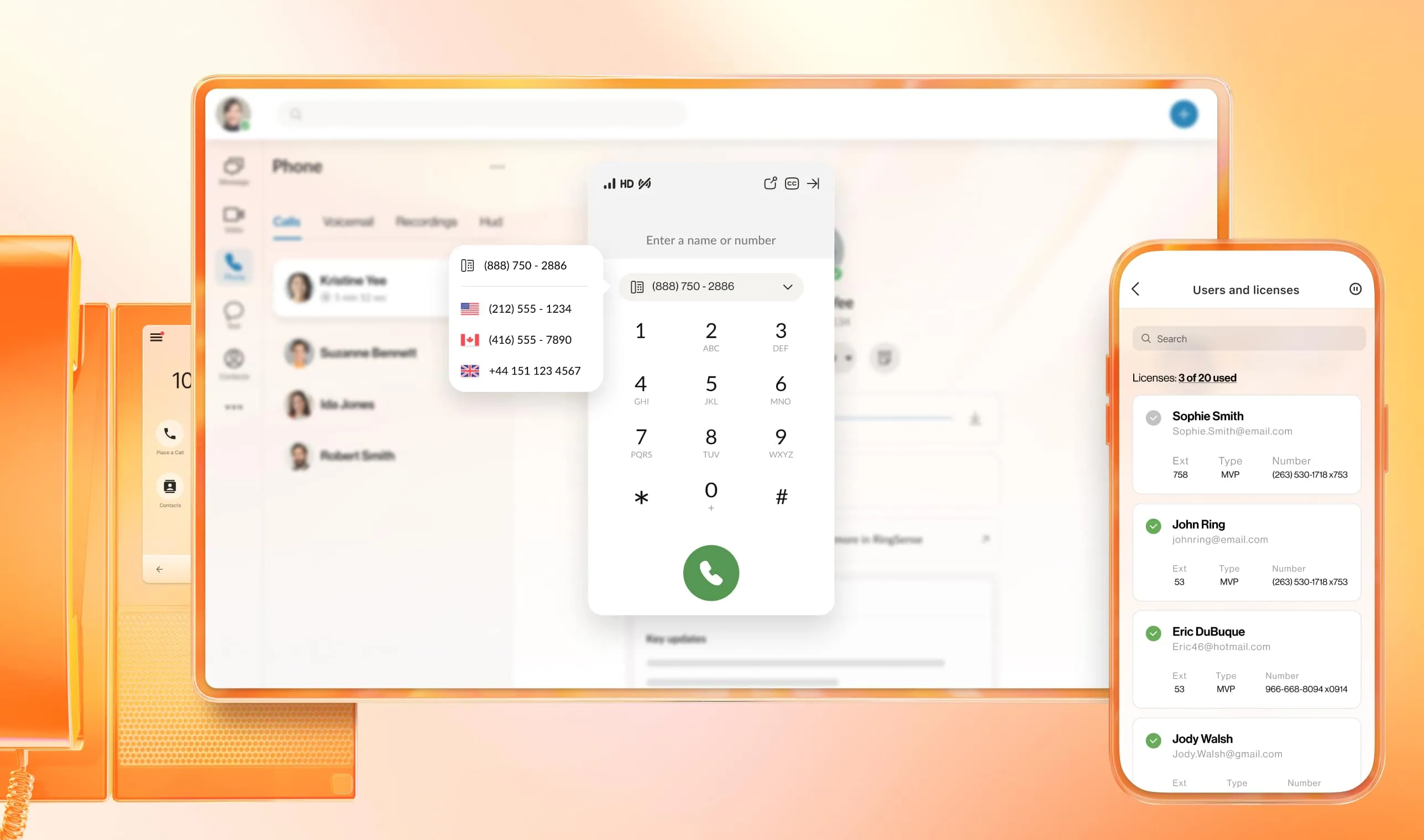
Your business does not stop when someone steps away from a desk. RingCentral brings business calling to supported phones, computers, and mobile devices.
L2 helps you think through who answers, where calls go, and which equipment makes sense for each role—from the front counter to the owner on the move.
Discuss My Team’s Needs →Some people need a familiar handset. Others work best from an app. Let’s put together the mix that fits your business.
A dedicated handset for reception, shared counters, and office workstations. Review compatible models and the controls your staff use most.
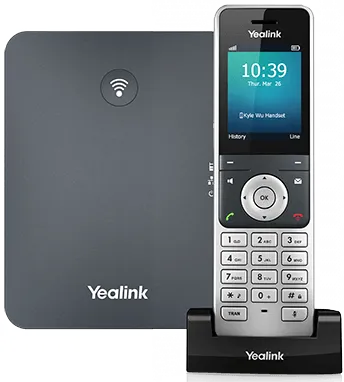
Give staff room to move while taking calls. Discuss coverage, handset needs, and compatibility for your workspace.
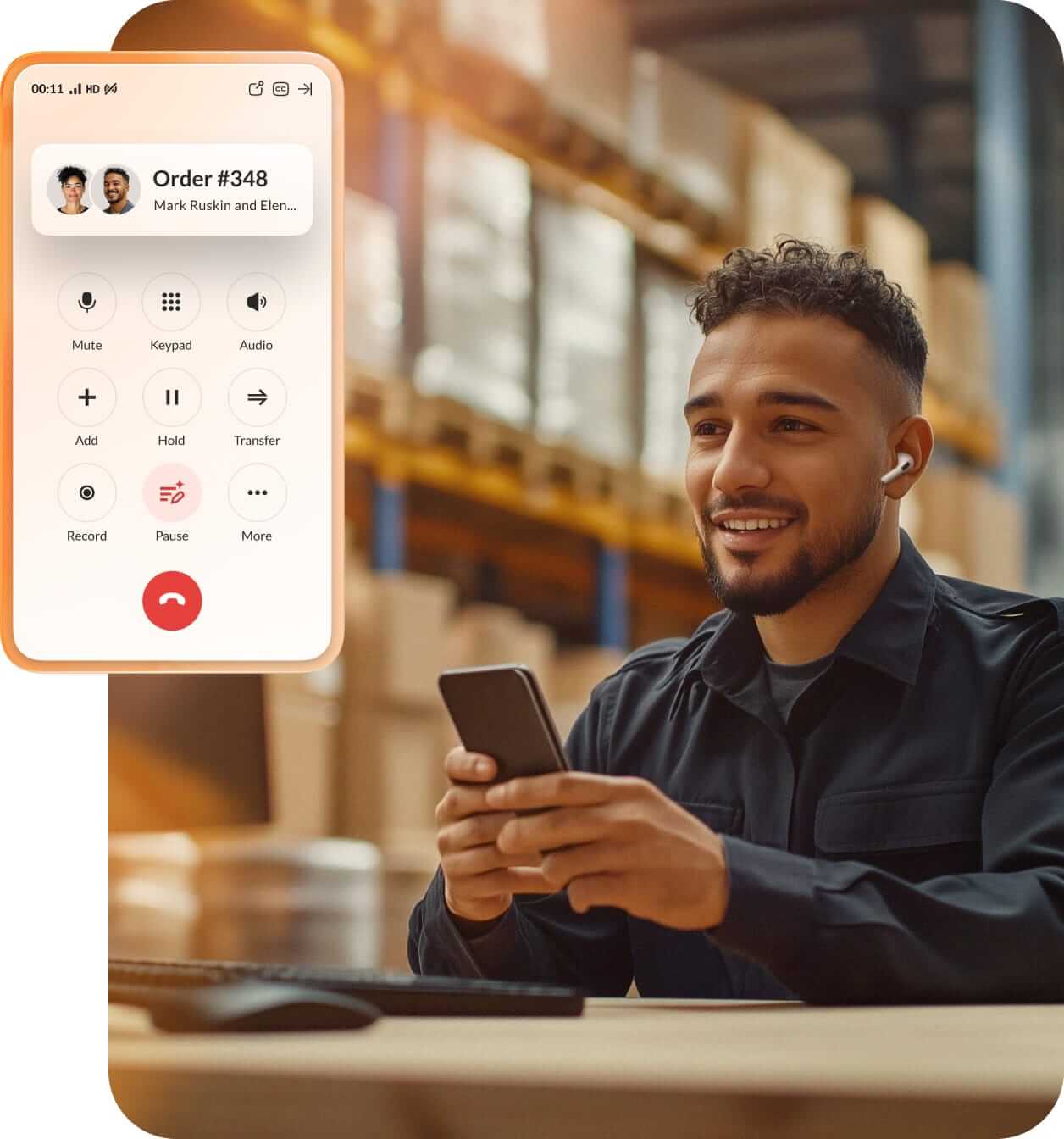
Use the RingCentral app for business calls from a supported computer or smartphone. Explore a headset setup for people who spend more time on calls.
Equipment shown is illustrative of available options. We’ll confirm current models, service compatibility, accessories, and availability when preparing your proposal.
Welcome callers with a greeting and menu that helps them reach the right person.
Use extensions, forwarding, and call queues to organize incoming calls.
Review voicemail from the app and explore transcription options.
Make and receive business calls using supported desk phones, computers, and mobile devices.
Explore business messaging and video meetings alongside calling.
Discuss available integrations and reporting based on the plan your team needs.
Features depend on the RingCentral plan, licenses, supported devices, and configuration. Business texting may require registration and is subject to applicable limits.
A new phone system should come with a clear plan for using it. L2 can help coordinate equipment, setup, and training so your team knows what to do when the phone rings.
Talk to L2: (808) 955-2001 →Review users, locations, business hours, greetings, and the way calls should move through your team.
Check equipment, network readiness, and any existing numbers you want to transfer before scheduling the change.
Walk through answering, transfers, voicemail, and apps, then discuss the next steps for ongoing help.
Your phone system and internet connection work together. Let’s consider both when planning your setup.
Explore Internet & Networking →Start with your current setup and what you want to improve.
Number transfers may be available. We’ll review eligibility and the information required before planning the transition. Keep your current service active until the transfer is confirmed complete.
No. Depending on the role, a supported desktop or mobile app may fit better. We’ll discuss where a physical phone, cordless handset, or headset is useful.
Possibly. Share the model numbers so compatibility and provisioning requirements can be checked before you purchase replacements.
Desk-phone calling depends on a working connection and power. We can discuss call routing, mobile access, and backup options appropriate to your setup; availability depends on the connections and equipment in use.
That depends on users, plan features, equipment, and setup needs. Tell us your team size, locations, and current phone arrangement so we can discuss a proposal.
Opening a location, replacing older phones, or connecting a mobile team? Talk with our Honolulu team.