Local Hawaii support for local businesses
(808) 955-2001   •   support@hil2.com
Point of sale · Local Hawaii support

Your business has a rhythm.
Find a POS that fits.

A busy lunch rush. A new shipment. Your next location. L2 helps you choose the right system, get your team comfortable, and keep moving after installation.

Equipment guidance  ·  Setup & training  ·  Local support

More choice.
One local team to help.

  • Clover
  • Valor
  • Quantic
  • Square
Start with how you work

Different businesses.
Different checkout needs.

We'll start with a conversation about your busiest moments and the tasks that take too much time.

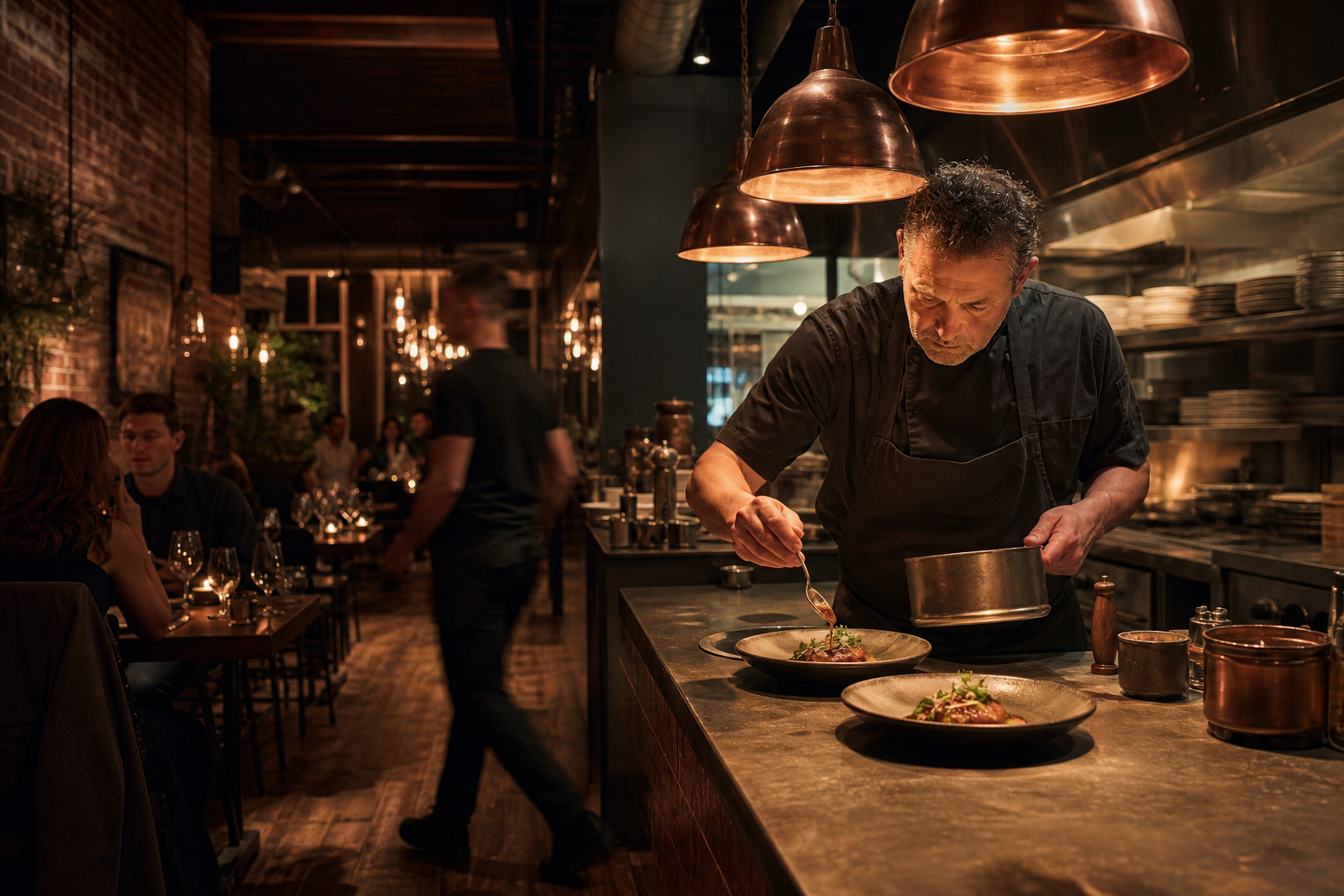
Chef preparing a dish in a restaurant kitchen
Restaurants & cafés

From the first order
to the last table.

Discuss a setup for counter service, sit-down dining, or a mix of both.

  • Menus, modifiers, and table management
  • Kitchen tickets or display options
  • Tableside payments and online orders
Talk About My Restaurant →
Shop owner helping a customer in a Hawaii boutique
Retail & shops

Keep the counter moving.
Keep stock in view.

Bring your product catalog and checkout needs into the same conversation.

  • Product variants and barcode scanning
  • Inventory tracking and sales reports
  • Customer profiles and gift card options
Talk About My Store →
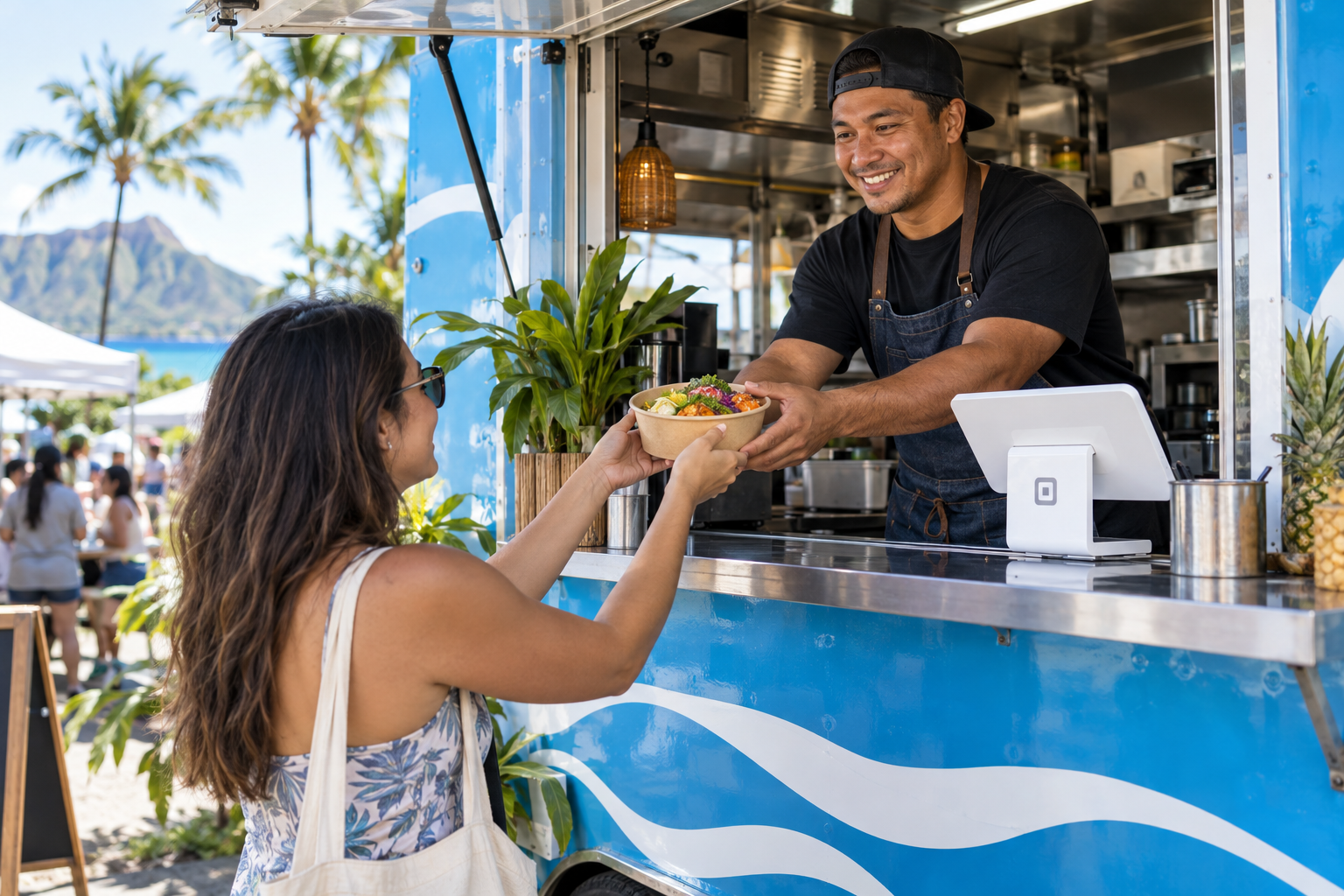
Food truck owner serving a customer with a compact POS at the counter
Food trucks & mobile kitchens

Small space.
Big lunch rush.

From a neighborhood lunch stop to a weekend market, choose a POS that fits your serving window and keeps ordering simple when the line gets long.

  • Compact POS or handheld payment options
  • Menus, modifiers, tips, and digital receipts
  • Connectivity and power planning for changing locations
Talk About My Food Truck →
Build around your day

More than a place
to ring up a sale.

01

Orders & checkout

Keep items, modifiers, and everyday transactions organized.

02

Inventory

Track products and stock levels as your business sells.

03

Kitchen & tables

Explore table layouts, kitchen displays, and order routing.

04

Online ordering

Ask about connecting web orders with your in-store workflow.

05

Sales & team reports

Review sales activity and the reports your managers need.

06

Loyalty & gift cards

Explore options that give customers another reason to return.

Features and integrations depend on the platform, software plan, and equipment. We'll confirm what is included in your proposed setup.

The right tools for your space

Start at the counter.
Take it where you need it.

We'll look at your available space, where your staff work, and how customers pay before recommending equipment.

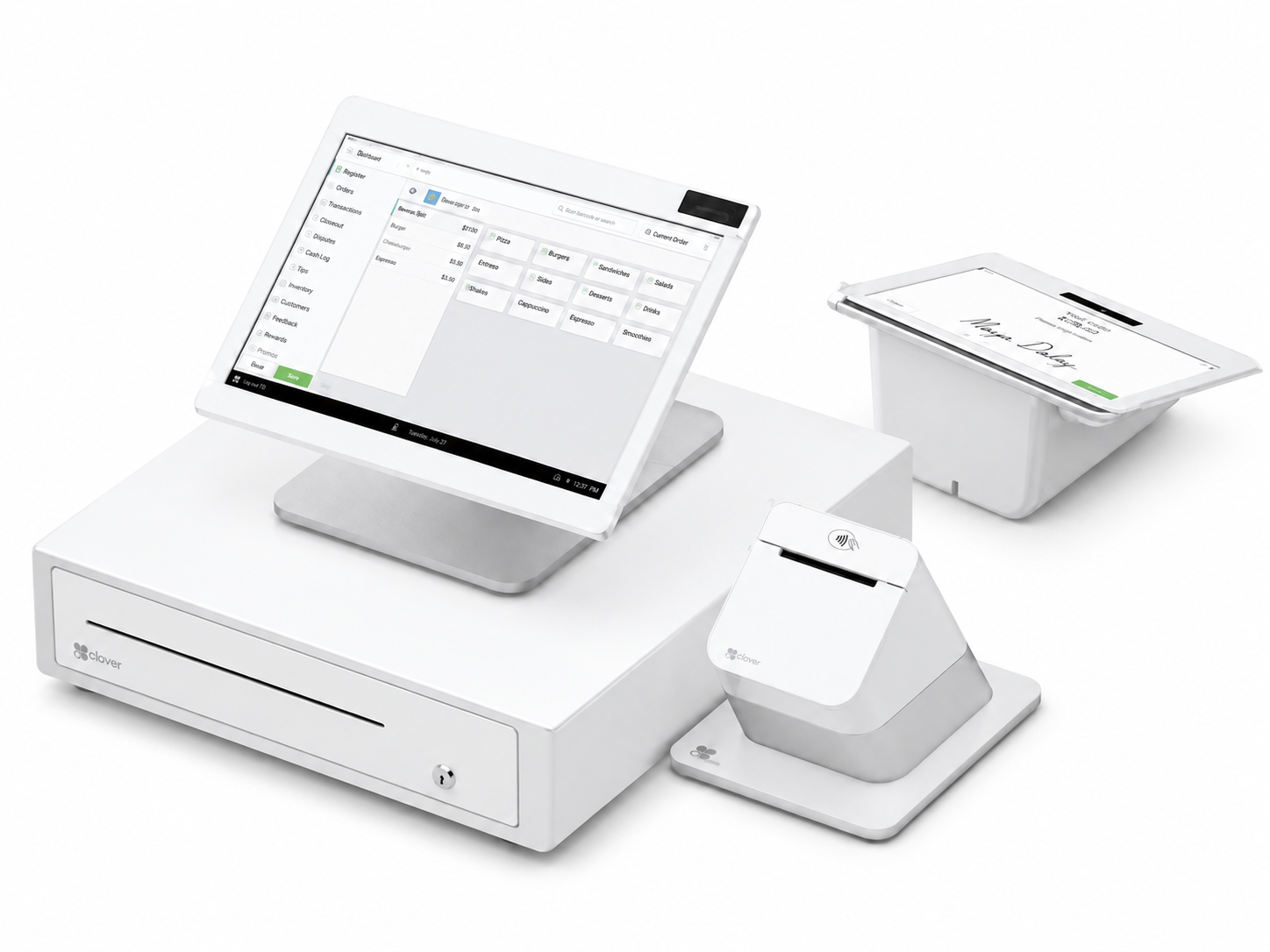
Countertop POS equipment on a white background

Countertop systems

Plan your register area around the screen, payment reader, receipt printer, and cash drawer your team needs. We'll check accessory compatibility before you buy.

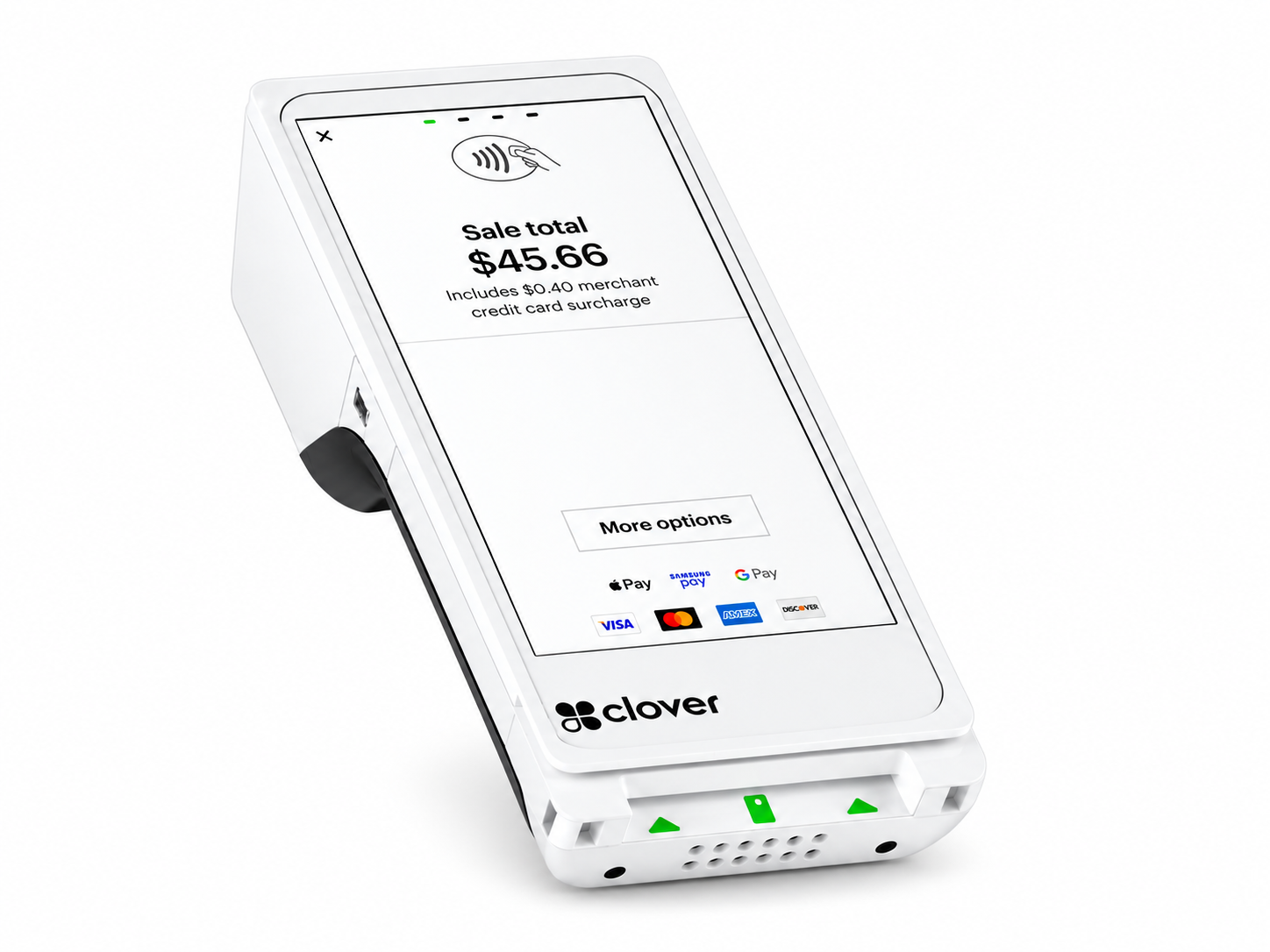
Portable Clover payment terminal on a white background

Handheld & compact setups

Working with a smaller footprint or moving between customers? Let's discuss portable equipment, connectivity, and the software needed for your workflow.

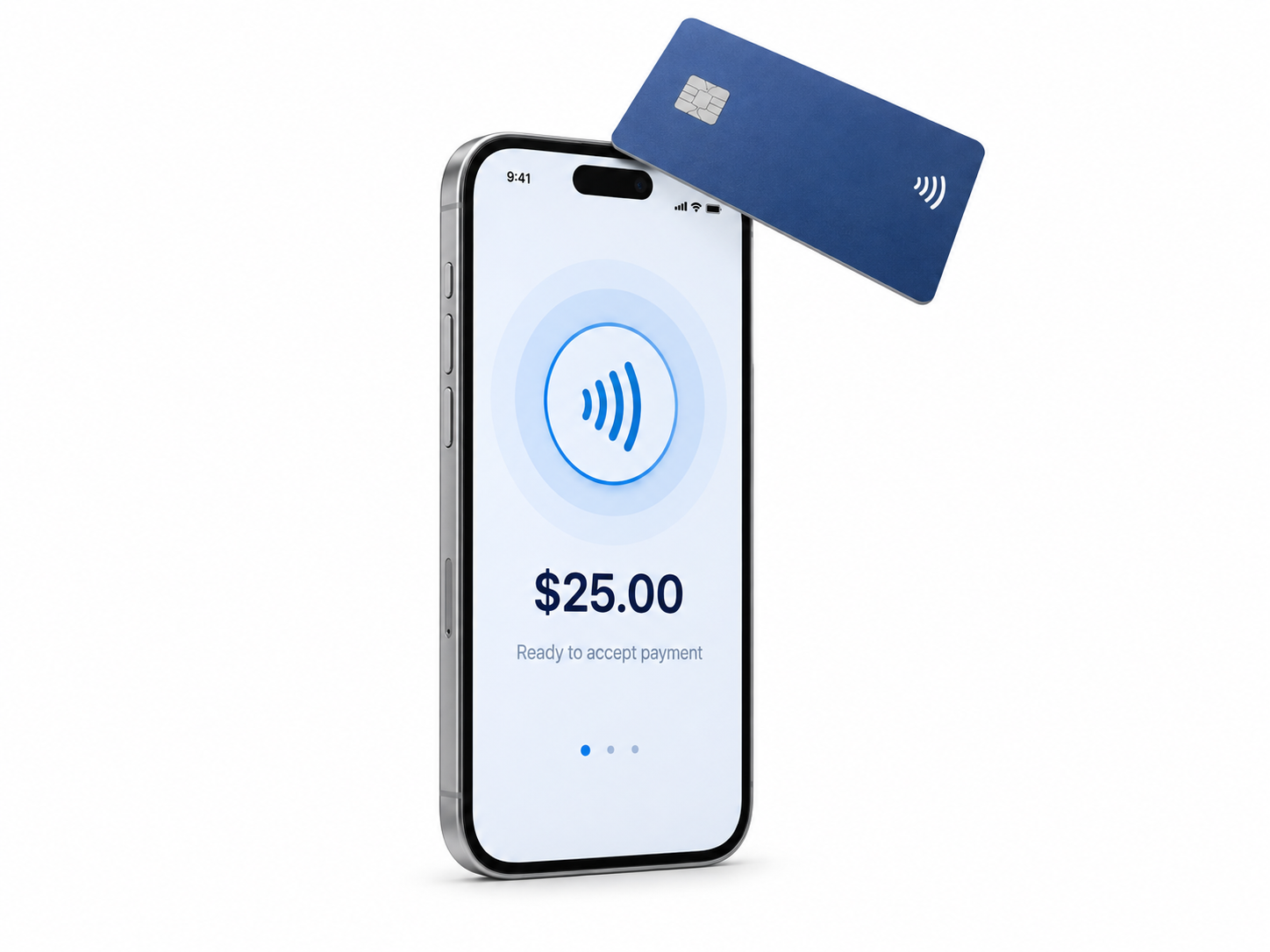
Smartphone accepting a contactless card payment

Payments on your phone

Accept contactless cards and digital wallets with Tap to Pay on a compatible iPhone or Android phone and supported payment app. A convenient option for pop-ups, appointments, and service calls. We'll help check device compatibility and your account setup.

Your POS and payment processing should be considered together.

Compare payment options →
Here after installation

A new POS.
A familiar team to call.

Signing up shouldn't be the last time you hear from your rep. L2 helps with setup, staff questions, and working through the next steps when an issue comes up.

Call our Honolulu team at (808) 955-2001. Tell us what's happening, and we'll help you figure out where to start.

Talk to L2 Solutions
  1. Walk through your needs

    Review your current system, must-have tools, and plans for your business.

  2. Plan the changeover

    Discuss equipment, menu or catalog setup, training, and timing before making the switch.

  3. Get comfortable using it

    Help your team understand everyday tasks and who to contact with questions.

  4. Keep the conversation going

    As your needs change, come back to L2 for guidance on your next step.

Let's make it clear

Questions before
you switch?

Bring us your questions and the details of your current setup.

Which POS platform should I choose?

That depends on your workflow, budget, and the features you actually use. We'll help compare options from platforms such as Clover, Valor, Quantic, and Square around your priorities.

How much does a POS system cost?

Equipment, software, add-ons, payment processing, and setup can all affect the total. Request a custom proposal so you can review the upfront and ongoing costs together.

Can I reuse my equipment or product list?

Tell us your equipment models and current software. We'll review compatibility and available import options before planning the changeover.

Can you help with more than the POS?

Yes. L2 also helps with internet, networking, security, and print and signage. We can discuss how those services fit into your business alongside the POS.


Let's build your setup

Tell us how your business runs.
We'll start there.

Opening, switching, or expanding? Talk it through with a local team.